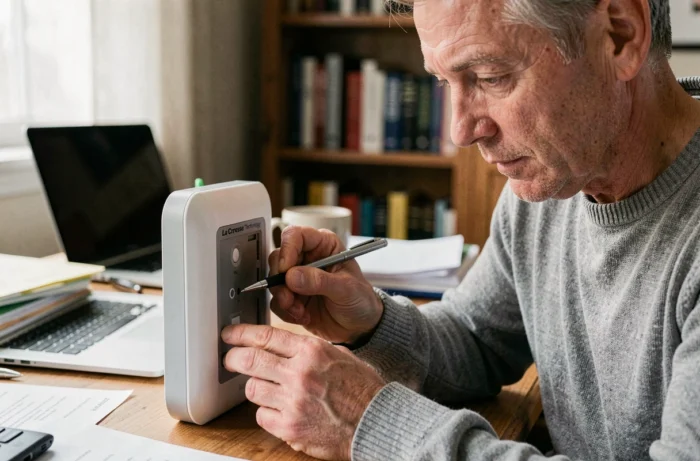
A La Crosse Technology weather station that displays dashes instead of temperatures, loses the signal from the outdoor sensor after a battery change, or freezes its data for no apparent reason raises a simple question: should it be reset, and if so, which method corresponds to which type of failure? The answer depends on the model, the type of connectivity (radio frequency or Wi-Fi), and sometimes a limitation that a reset alone cannot resolve.
Reset button, battery removal, or both: what really happens in the station
Most La Crosse Technology stations have a reset button located on the back of the case, accessible with the tip of a paperclip. Pressing it restores the internal settings to their factory state: time, date, sensor reception channel, alert thresholds.
This button does not clear the memory buffer of the radio reception chip. To achieve a complete reset, two actions must be combined: remove all batteries from the base and the outdoor sensor, then leave both modules discharged for several hours. This waiting period allows the internal capacitors to fully discharge.
When performing the reset of the La Crosse Technology weather station without respecting this discharge time, the station may restart with residual configuration that prevents the sensor from resynchronizing. This is the most common cause of failure reported by users on technical forums.
| Method | What is reset | Time required | When to use it |
|---|---|---|---|
| Reset button only | Time, date, user settings | Few seconds | Offset display, incorrect time |
| Battery removal (base + sensor) | Radio memory, pairing | Several hours of discharge | Sensor signal loss, frozen data |
| Reset button + prolonged battery removal | All settings and memory | At least several hours | Station that won’t restart at all |
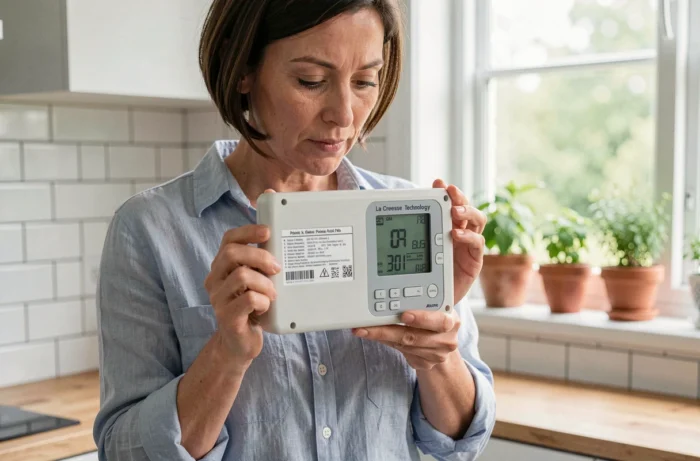
Order of restart after a complete reset of La Crosse Technology station
The order in which the batteries are reinserted determines the success of the synchronization. Reinsert the batteries in the base before those in the sensor is the most common mistake, and it causes a silent pairing failure: the station displays dashes without an error message.
The working sequence is:
- First, insert the batteries into the outdoor sensor and wait for it to emit its first signal (a light blinks on some models, others have no visible indicator)
- Then insert the batteries into the base, which automatically goes into signal search mode for the first few minutes
- Do not touch any buttons on the base during this search phase, as any pressure interrupts the scan of the radio channels
- If the station is radio-controlled (DCF), the automatic time setting may take several hours depending on the quality of the time signal reception
Any manipulation during the scan phase cancels the synchronization and requires starting the complete battery removal process again. On IT+ technology models, the maximum distance between the sensor and base reaches about a hundred meters in open field, but every wall or obstacle reduces this range by several meters.
Interferences that block reception after reset
Placing the base near a television, microwave, refrigerator, or computer disrupts the reception of the sensor signal. La Crosse Technology recommends keeping the station away from these electrical devices.
Walls made of ferro-concrete, stucco, and anti-UV glass also pose transmission difficulties. Changing the positioning angle of the sensor relative to these obstacles may be enough to restore a stable signal. If the outdoor data disappears intermittently after a reset, it is almost always a placement issue, not a configuration one.
La Crosse Technology Wi-Fi stations: reset does not fix everything
Wi-Fi connected models (multi-day forecasts, app synchronization) add a layer of complexity. After a reset, the station must reconnect to the home network, and this is where failures multiply.
Most La Crosse Wi-Fi stations only manage the 2.4 GHz network. A router configured only for 5 GHz, or a mixed network that automatically switches between the two bands, prevents reconnection. Some users also report failures related to Wi-Fi passwords containing special characters that the station’s firmware does not support.
Checking the frequency band of the router and temporarily simplifying the password during the reconnection phase resolves most of these blocks.
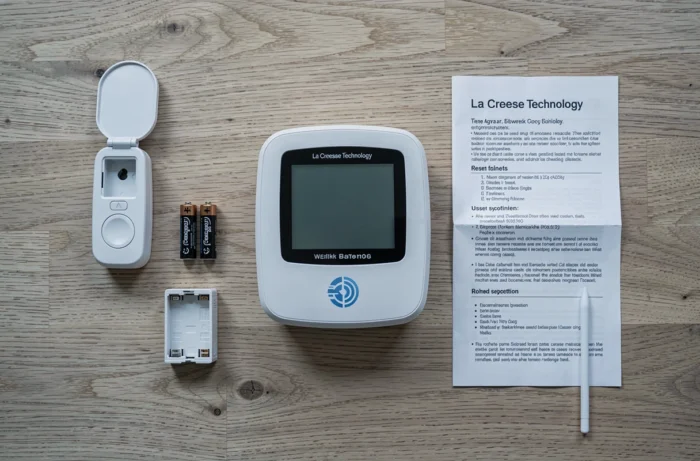
Data service obsolescence: when the reset is no longer useful
Some older models (like the Starmeteo range or the WD-4000F) relied on a weather data radio stream that has since been discontinued. The station is physically intact, the reset works, the local sensors transmit the temperature, but the weather forecasts will never return because the remote service no longer exists.
This case illustrates a form of functional obsolescence that reset tutorials almost never mention. Before spending time looking for a reset procedure, checking if the model in question is still listed in La Crosse Technology’s current catalog provides an initial indication. References that have disappeared from price comparison sites for several years are the most likely to be affected.
Identifying an end-of-life model
La Crosse Technology is now directing its catalog towards Wi-Fi connected stations with multi-day forecasts. Classic models with pure radio reception are gradually being phased out, reducing the availability of compatible sensors and technical support.
An unavailable replacement sensor is the most reliable signal that a model has reached its end of life. In this case, the reset remains useful for basic functions (local temperature, humidity), but will not restore functions dependent on a discontinued external service.
The diagnosis before any reset boils down to two questions: is the outdoor sensor still available for purchase, and is the data service of the model still active? If the answer to either of these questions is no, the reset will correct local symptoms without restoring all original functionalities.